You sign up for an online course, work through a few lessons, take some notes in one app, screenshot a slide into another, and bookmark a resource link in your browser. Two weeks later you want to review that one thing the instructor said — and you have no idea where any of it is. The material was never lost, exactly; it was just scattered across five places with no home. Online learning generates a surprising amount of stuff, and most of us never give it anywhere to live.
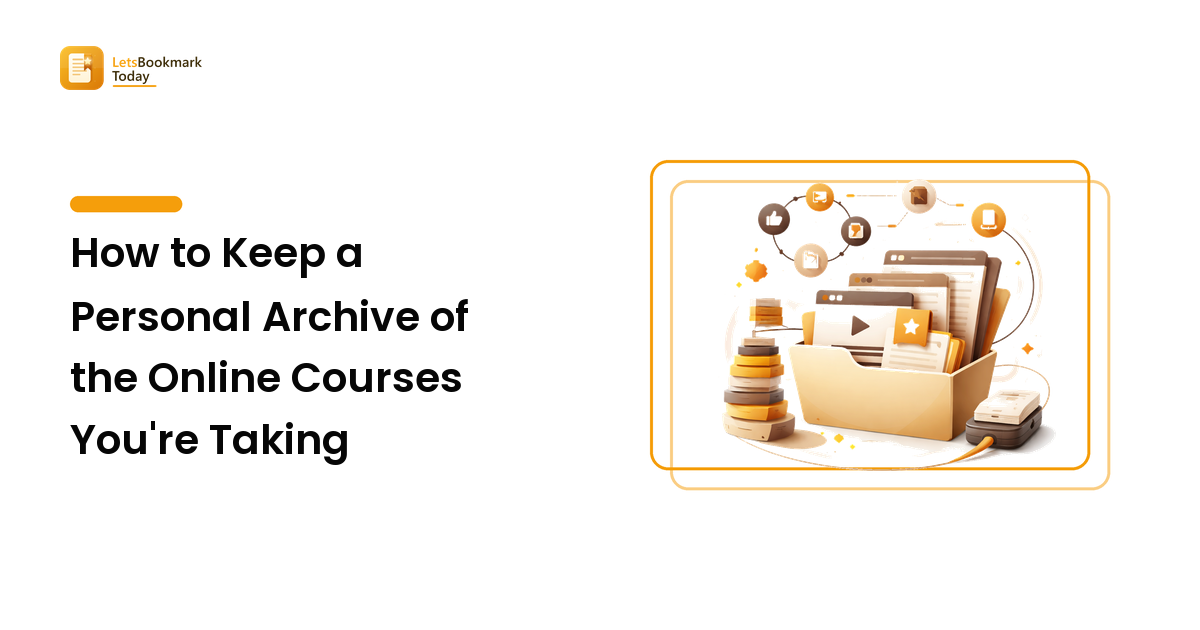
The fix is a personal learning archive: one organized place where the notes, PDFs, links, and — where you're allowed to keep them — saved lessons for a course sit together, ready to review on your own time and offline. This guide walks through how to build one that's genuinely useful, without turning it into a second job.
Why scattered study material fails you
The problem isn't that you don't save things. It's that you save them everywhere. A typical online course leaves a trail across your notes app, your downloads folder, your browser bookmarks, a couple of screenshots, and maybe a message you sent yourself. Each piece is fine on its own; together they're unfindable.
Three things go wrong when material is scattered:
- You can't find it when you need it. Review time is exactly when you want everything in one place, and that's exactly when it's in six.
- It depends on being online. Lessons you can only reach by logging back in aren't available on a plane, a commute, or a spotty connection — the times you'd actually review.
- It falls apart over time. Notes drift out of sync with the lessons they refer to, and a bookmark to a resource breaks the moment the page moves.
A personal archive solves all three by giving one course one home, and by keeping copies of the things you're allowed to keep rather than relying on links you don't control.
What belongs in a personal learning archive
You don't need to save everything. A good archive is selective — the material you'll genuinely revisit, not a hoard. For a given course, that usually means four kinds of things.
Your own notes. These are the highest-value item in the whole archive because they're yours: your summaries, your questions, the two sentences that finally made a concept click. Keep them in plain, portable form (Markdown or a notes app that exports cleanly) so they outlive any single tool.
Key documents and PDFs. Worksheets, slide decks, cheat sheets, reading lists — the handouts a course gives you to download. These are meant to be kept, so download them properly instead of screenshotting them.
Reference links. The external articles, tools, and resources a lesson points to. Save these to your read-it-later or bookmarking setup so they're captured and tagged alongside the course, not buried in browser history.
Saved lessons, where you're allowed to keep them. Some platforms let you keep a personal copy of the material you've paid for or been given access to, for your own offline review. Where that's the case, a saved copy of a lesson means you can rewatch it without logging back in every time.
Give each course one home
The single most useful move is structural: one course, one folder. Before you save anything, decide where a course lives, and then send every piece of it to that one place.
A folder per course, with a predictable shape inside, does most of the work:
notes/— your own summaries and questionshandouts/— the PDFs and decks the course gave youlessons/— saved copies you're allowed to keep, for offline reviewlinks.md— a running list of reference URLs, with a word on why each matters
Name folders so they sort sensibly (course-name/module-01/), and keep the naming boring and consistent. The goal is that six months from now you can open one folder and see the whole course at a glance, instead of reconstructing it from memory. If you want a deeper method for capturing links the moment you find them so they never scatter in the first place, our save-for-later guide covers the habit in detail.
Saving lessons for offline review
Notes and PDFs are easy to keep. Video lessons are the awkward part, because they usually live inside a platform and you watch them by logging in — which means no review on a flight, a commute, or anywhere without a solid connection.
Where a platform allows you to keep a personal copy of material you legitimately have access to, saving the lessons you're actively studying lets you review them offline, at your own pace, without the buffering and re-logins. If you're learning inside a Skool community you belong to, a browser tool like skoolHarbor can save a Skool video you have access to as a file you can rewatch offline as part of your personal archive. Treat it like any other download in your lessons/ folder: a copy of something you're entitled to, kept for your own study.
The important framing is that this is about convenience for your own review, not stockpiling. Save the handful of lessons you're actively working through and keep them for yourself, so the archive stays a study tool rather than a pile.
Keep the archive usable, not just full
An archive only pays off if you can get things back out of it. A few small habits keep it that way:
- Tag by course and topic. A note about "spaced repetition" should be findable both under its course and under the topic, so it surfaces when you're working on something related later.
- Write a one-line index per course. A single
READMEat the top of each course folder — what it covers, where you stopped, what's worth revisiting — turns a folder into a map. - Prune once a term. When a course is done, keep your notes and the two or three lessons worth rewatching, and let the rest go. A lean archive is one you'll actually reopen.
Done this way, your learning material stops being a scattered mess you re-hunt every time and becomes a small, reliable library you can review on your own schedule — online or off. If part of your studying happens inside a Skool community you belong to, a purpose-built saver like skoolHarbor can fit into that same archive — used only for lessons you have access to and kept for your own offline review.
FAQ
What's the difference between bookmarking a course and archiving it? A bookmark points at a location on someone else's platform — it works only while you're logged in and the page stays put. An archive keeps the actual material: your notes, the PDFs, and any lessons you're allowed to save. Bookmarks are for finding things again; an archive is for having them.
Is it okay to save videos from a course I'm taking? Only when you have the right to. Save material you legitimately have access to, respect the platform's terms of service and the creator's rights, and keep any copies strictly for your own personal, offline review. Don't share, republish, or redistribute a creator's paid content, and don't use saving as a way around access you haven't paid for. When in doubt, check the platform's terms or ask the creator.
How do I keep an archive from becoming a hoard? Be selective on the way in and prune on the way out. Save the material you'll genuinely revisit — your notes, key handouts, and the lessons you're actively studying — not everything you can. Review each course when you finish it and keep only what's worth reopening.
What format should I keep notes and files in? Prefer portable, open formats: Markdown or clean-exporting notes for your writing, standard PDFs for handouts, and common video files for anything you're allowed to save. That keeps your archive readable no matter which tools you switch to later.